What is Assembly Language?
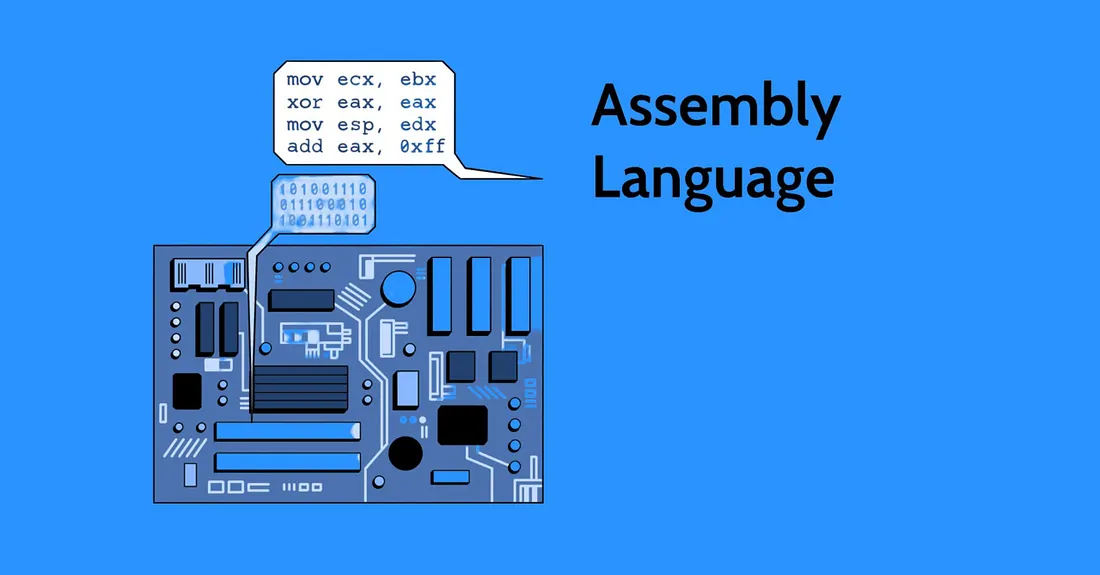
Think of Assembly Language as the secret language your computer’s brain speaks only we’ve dressed it up a little so humans can understand it. At its core, your processor only understands machine code (those 1s and 0s). Assembly is simply a human-readable version of that machine code. Instead of staring at endless binary, you get short words like MOV, ADD, or JMP that directly tells the CPU what to do.
Why is it Different From Other Languages?
Most programming languages (like Python, Java, or C++) act as translators. They take your high-level instructions (like print("Hello World")) and handle all the messy details behind the scenes. Assembly doesn’t bother with any of that. It gives you direct control over the processor, almost like you’re sitting inside the CPU and flipping switches yourself.
That means:
- You can make your code lightning fast and super efficient.
- But… you’ll also find yourself writing a lot more code just to do something simple. For example, adding two numbers in Python might be one line, but in Assembly it could take multiple instructions.
Why Should You Care?
Assembly language is like learning how the engine works under the hood of a car. Sure, you can drive without knowing, but if you understand Assembly, you can:
- Optimize performance (squeeze out every drop of speed).
- Understand how computers really work at their core.
- Discover vulnerabilities and tricks (very handy for hackers and security pros).
Understanding the Processor
Since Assembly is so closely tied to the processor, let’s first understand what the processor actually does. At its core, a processor is a machine that follows a set of instructions to perform tasks, everything from adding two numbers to running an entire operating system.
In this article, we’ll be focusing on the x86 architecture to keep things concrete.
Registers: The Processor’s Working Memory
Registers are like the processor’s scratchpad or working memory. They hold values for a very short time, just long enough for the CPU to work with them. Once the job is done, the result is usually moved elsewhere (like RAM or storage), because data doesn’t hang around in registers for long. Think of it like doing quick math on the back of an envelope before transferring the final answer neatly into a notebook.
Register Size and CPU Architecture
The size of registers depends directly on your CPU’s architecture:
- A 32-bit processor has 32-bit registers.
- A 64-bit processor has 64-bit registers.
This size defines how much data the CPU can handle in a single operation.
The Stack
The stack is a special part of memory that the processor uses like a temporary scratchpad. It works just like a stack of plates — you can only put something on top (push) and take the top item off (pop). This Last In, First Out (LIFO) behavior makes it perfect for storing things the CPU needs quickly, such as return addresses during function calls, local variables, or saved register values. In x86, the ESP (Stack Pointer) keeps track of the top of the stack, while the EBP (Base Pointer) is often used to organize data inside functions. In short, the stack is essential for managing program flow and temporary data in Assembly.
Hello World in Assembly (Linux, x86NASM)
Can’t end the blog without writing a Hello World program. We will use NASM on linux. It can be installed using the following command. The file extension for assembly programs is .asm.
sudo apt update && sudo apt install nasm
It’s simple, but in Assembly, it gives us a peek into how the CPU, memory, and operating system all work together to print a line of text. Don’t worry if it looks a bit “low-level”, that’s the whole point, and it’s exactly why Assembly is so interesting.
section .data
    msg db 'Hello, World!', 0xA   ; the string to print, ending with newline
    len equ $ - msg               ; calculate length of the string
section .text
    global _start
_start:
    ; write syscall
    mov eax, 4        ; syscall number for sys_write (4)
    mov ebx, 1        ; file descriptor 1 = stdout
    mov ecx, msg      ; pointer to the string
    mov edx, len      ; length of the string
    int 0x80          ; interrupt to call kernel
    ; exit syscall
    mov eax, 1        ; syscall number for sys_exit (1)
    mov ebx, 0        ; exit code 0
    int 0x80
Step-by-Step Explanation
- Data Section
msg db 'Hello, World!', 0xA
len equ $ - msg
msgis our string, stored in memory.0xAis the newline character (\n).lenautomatically calculates the length of the string, so we don’t have to count characters manually.
- Text Section
section .text
global _start
- This is where the code (instructions) lives.
_startis the entry point of the program where execution begins.
- System Call to Write
mov eax, 4
mov ebx, 1
mov ecx, msg
mov edx, len
int 0x80
Here we’re asking Linux to print our string:
eax = 4→ tells Linux we want to use the write system call.ebx = 1→ means write to standard output (the screen).ecx = msg→ points to our string in memory.edx = len→ tells Linux how many bytes to print.int 0x80→ makes the actual call to the kernel.
- System Call to Exit
mov eax, 1
mov ebx, 0
int 0x80
eax = 1→ system call for exit.ebx = 0→ return code (0 = success).int 0x80→ exits the program gracefully.
We can use nasm to convert .asm source into object file.
nasm -f elf32 hello.asm -o hello.o
-f elf32tells NASM to produce a 32-bit ELF object file (for Linux).hello.asmis your source file.hello.ois the compiled object file.
Now link it with ld (the GNU linker) to produce an executable.
ld -m elf_i386 hello.o -o hello
-m elf_i386ensures it’s linked for 32-bit mode.hellois the final executable.
Finally, run it
$ ./hello
Hello, World!
Wrapping It Up
So there you have it, a crash course into the world of Assembly. We started by understanding what it really is, peeked into the processor’s working memory (registers), learned about the stack, and even wrote our very first Hello World. Assembly may feel low-level, but that’s the magic of it: you’re talking almost directly to the CPU. Sure, it takes more effort than writing Python or Java, but the payoff is a deeper understanding of how computers actually work. If you stick with it, you’ll not only sharpen your skills but also unlock a new appreciation for the machine humming under your fingertips.